Creators
Zero-Install Creator Toolkit: Why Browser AI Editing Wins in 2026
Skip heavy desktop installs and subscription lock-in — run background removal, cleanup, swap, and watermark tools in one browser tab on BackgroundCanvas.app.
 3 min read
If you publish more than once a week, your bottleneck is rarely ideas — it is prep time. Resizing a hero image, stripping an old promo sticker, swapping a cluttered backdrop, and exporting a clean PNG can eat an hour before you write a single caption. In 2026, the fastest creators treat editing as a lightweight step in the browser, not a separate "open Photoshop" project. BackgroundCanvas.app is built for that rhythm: upload, fix, download, move on.
Think of your toolkit as a routing chart, not a single magic button. Product shot for a drop? Start with background removal, run background cleanup on edge halos, then background swap to a preset that matches your shop banner. UGC repost with emoji reactions burned in? Hit the emoji remover first, then text removal if a handle is still visible. Stock rescue with a corner watermark? Watermark remover, then a quick background swap so the frame matches your feed. Keeping the decision tree simple prevents over-editing and saves credits.
Browser-first editing matters because deliverables changed. TikTok covers, Substack headers, Etsy listing thumbnails, and Discord announcements all want different aspect ratios — but the same brand look. A desktop suite makes you manage layers and color profiles; a focused AI image editor gives you a consistent result in minutes with no install, no GPU driver drama, and no version upgrades mid-deadline. That is especially true on a laptop while traveling or on a locked-down work machine where IT will not approve creative software.
Cost is the other half of the story. Adobe and Capture One are excellent if you live inside them daily; they are hard to justify if you need ten polished images a month. A free AI image editor with daily credits lets freelancers, side-hustle sellers, and student creators ship professional visuals without a standing subscription. Pay only when volume spikes — not every month "just in case."
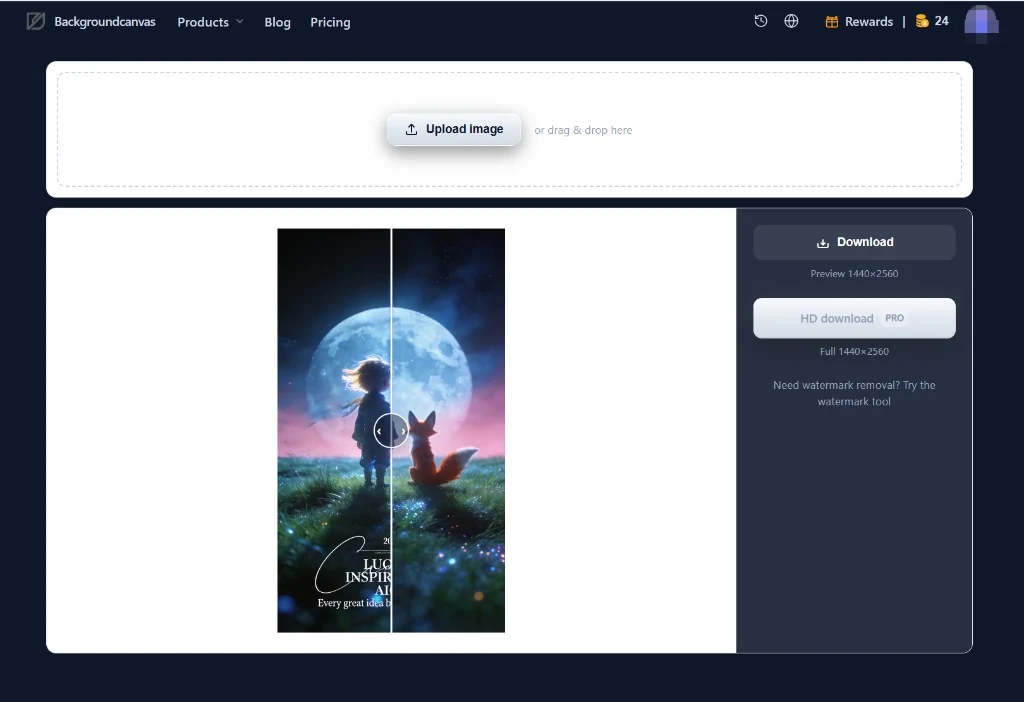
Consistency beats one-off perfection. Pick two background swap presets, one neutral and one lifestyle, and reuse them across product, portrait, and announcement posts. Batch similar tasks back-to-back: five cutouts, then five swaps, then five exports. Your audience reads cohesion as professionalism even when production time drops.
The creators who pull ahead in 2026 are not the ones with the most filters — they are the ones with the shortest path from raw photo to publish-ready file. Open BackgroundCanvas.app, route the image to the right tool, and ship. Your future self on deadline day will thank you.